Pads
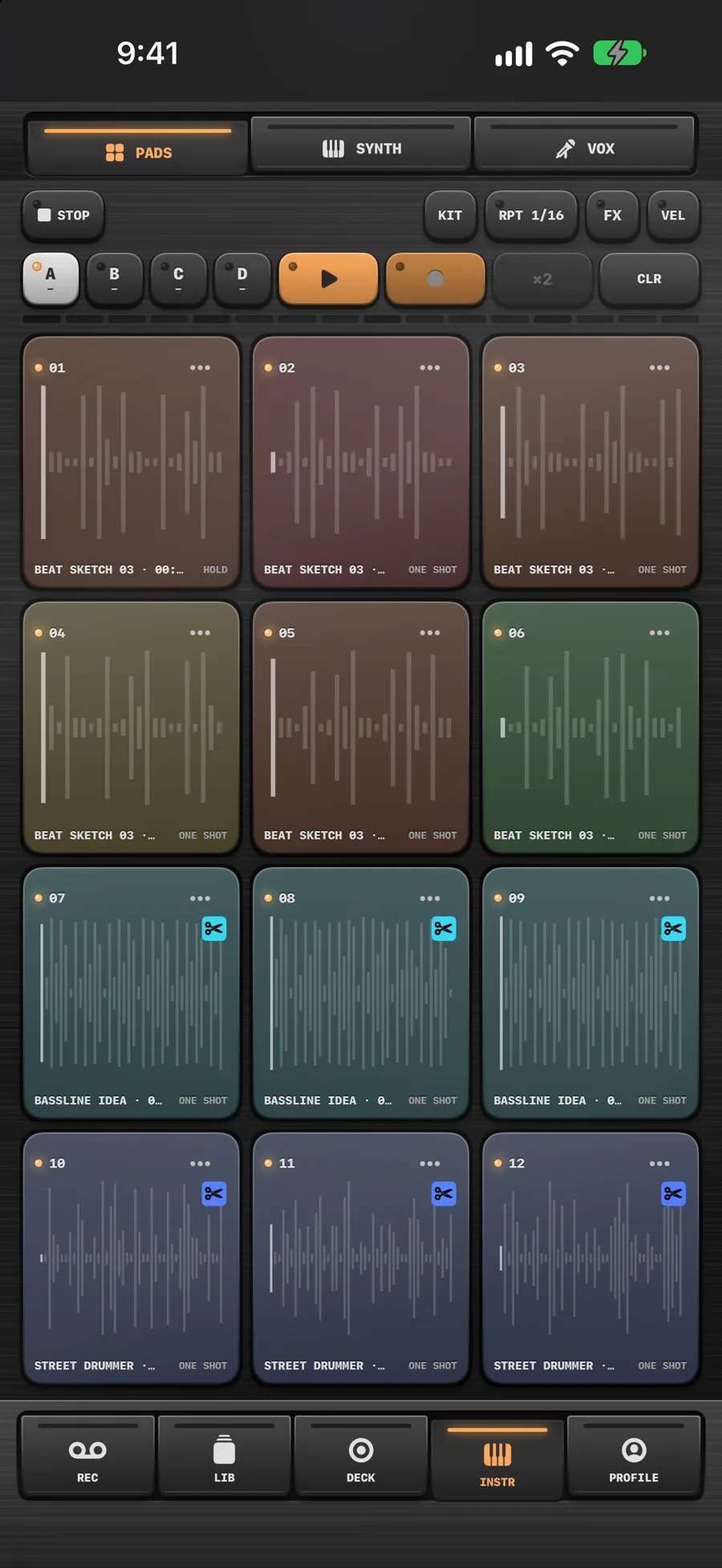
Twelve pads, four patterns, repeat in time, velocity from how hard you hit.
 Instagram ↗
Turntable · Sampler · Tape · for iPhone
Every take becomes a record you want to put on. Spin it, scratch it, cut it into samples, play them on pads and keys — listening back turns into playing.
The idea was good. Now it is a grey line in a list, somewhere between New Recording 47 and 49. In REDROCER a take is not a file — it is a record with a name, a label and a cover, sitting in your crate, a tap away from the platter.
 01 · REC
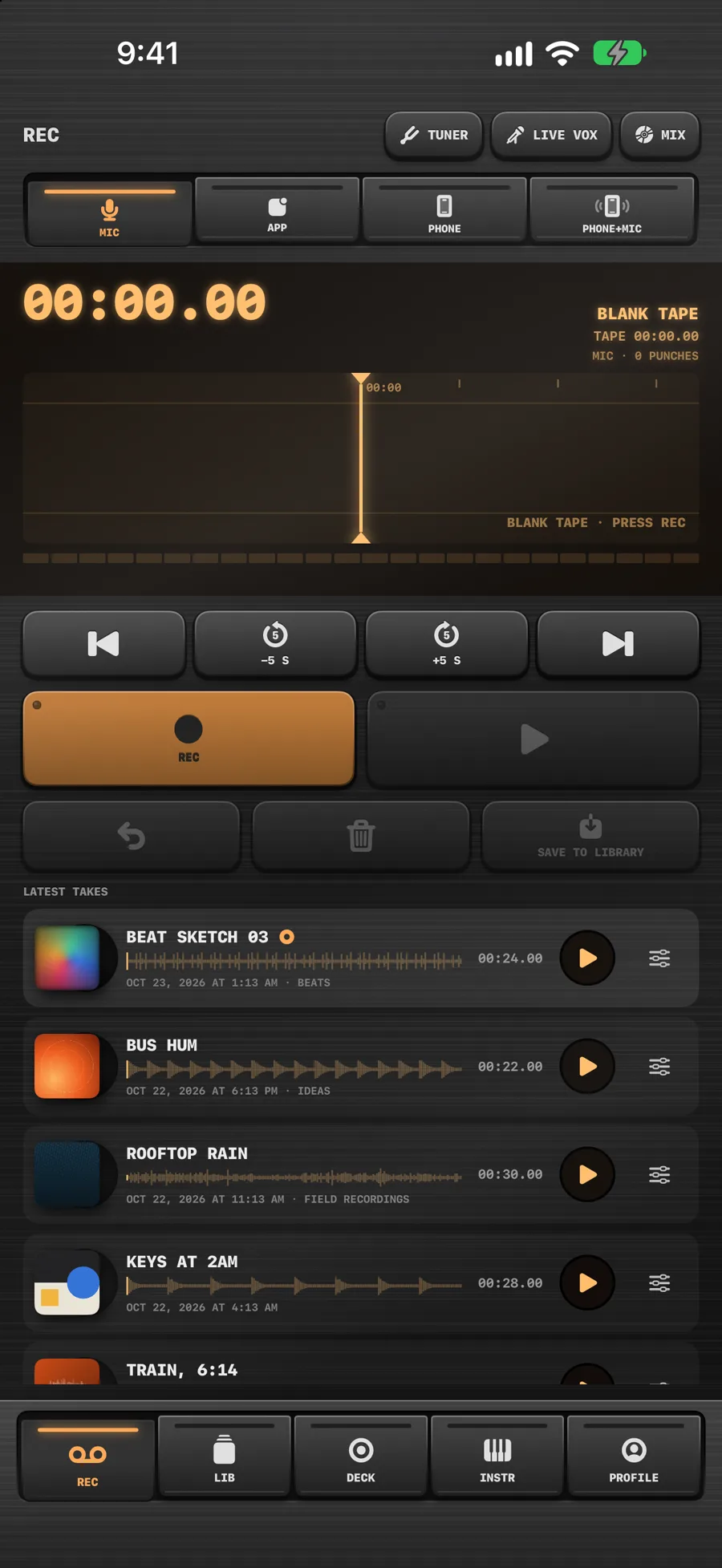
The microphone in stereo, everything you play inside the app, or whatever your phone is playing — even from Control Center. It records like a tape: wind back to the mistake and punch in over just that bar.
02 · LIB
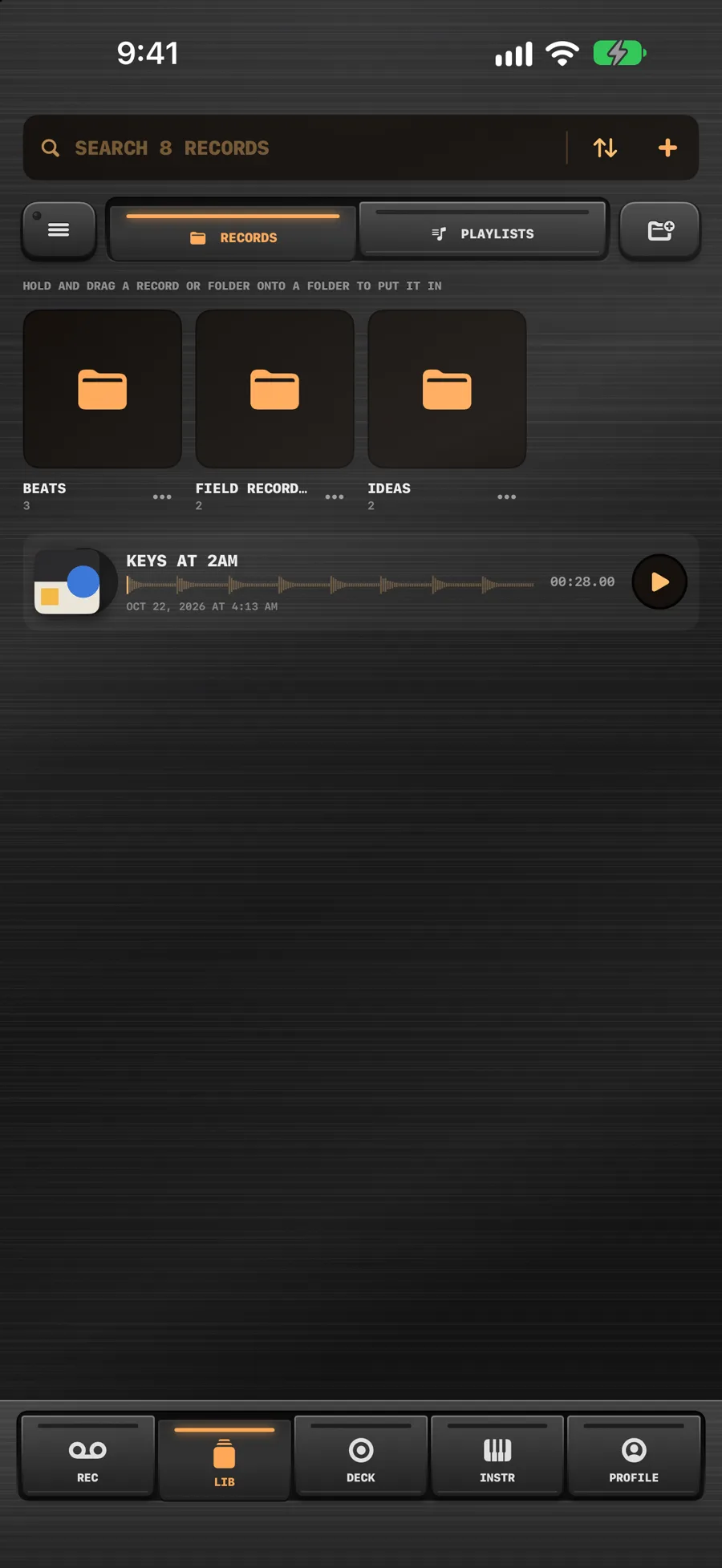
Every take gets a record of its own, a label in its own colour and room for a cover. Folders, playlists, drag and drop. Bring sounds in from Voice Memos, Files or a video — FLAC plays lossless.
03 · DECK
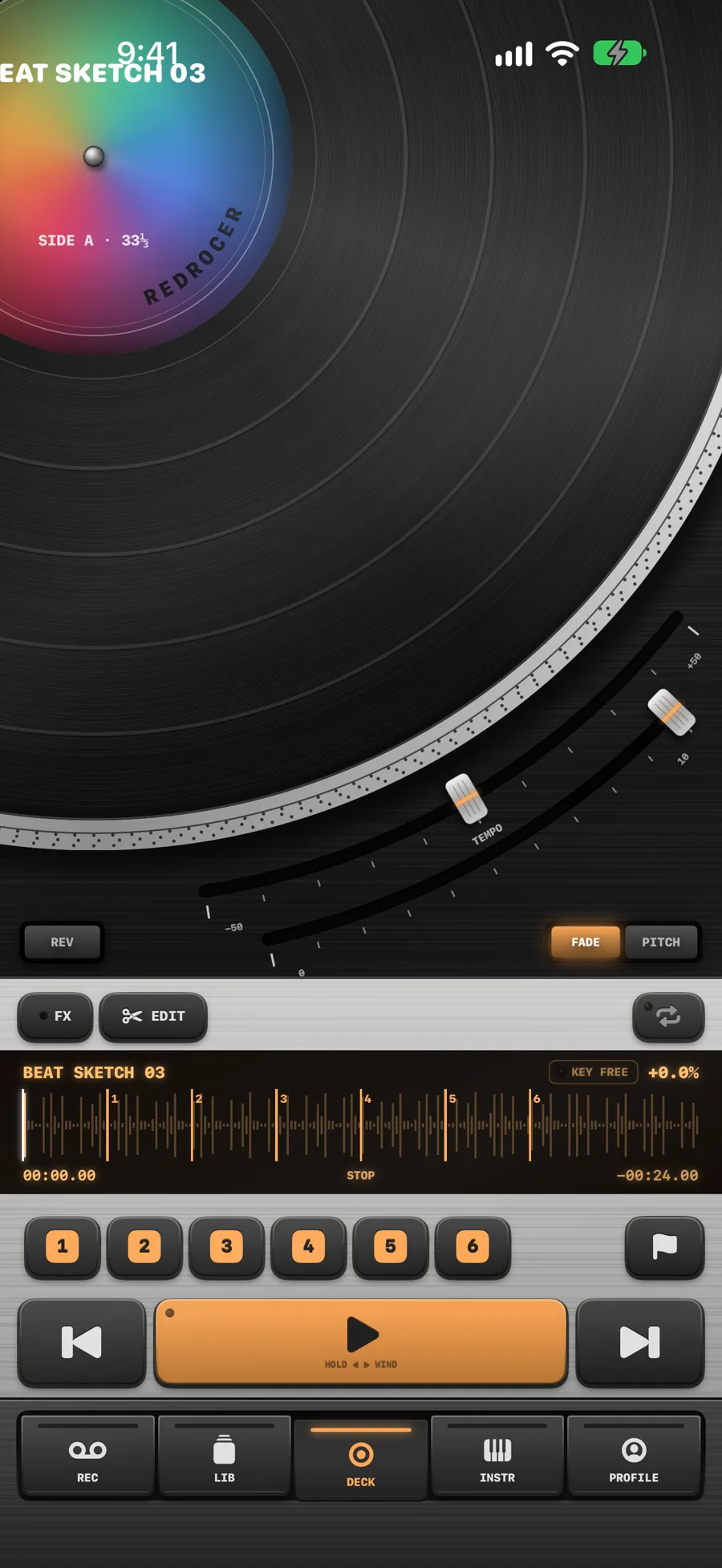
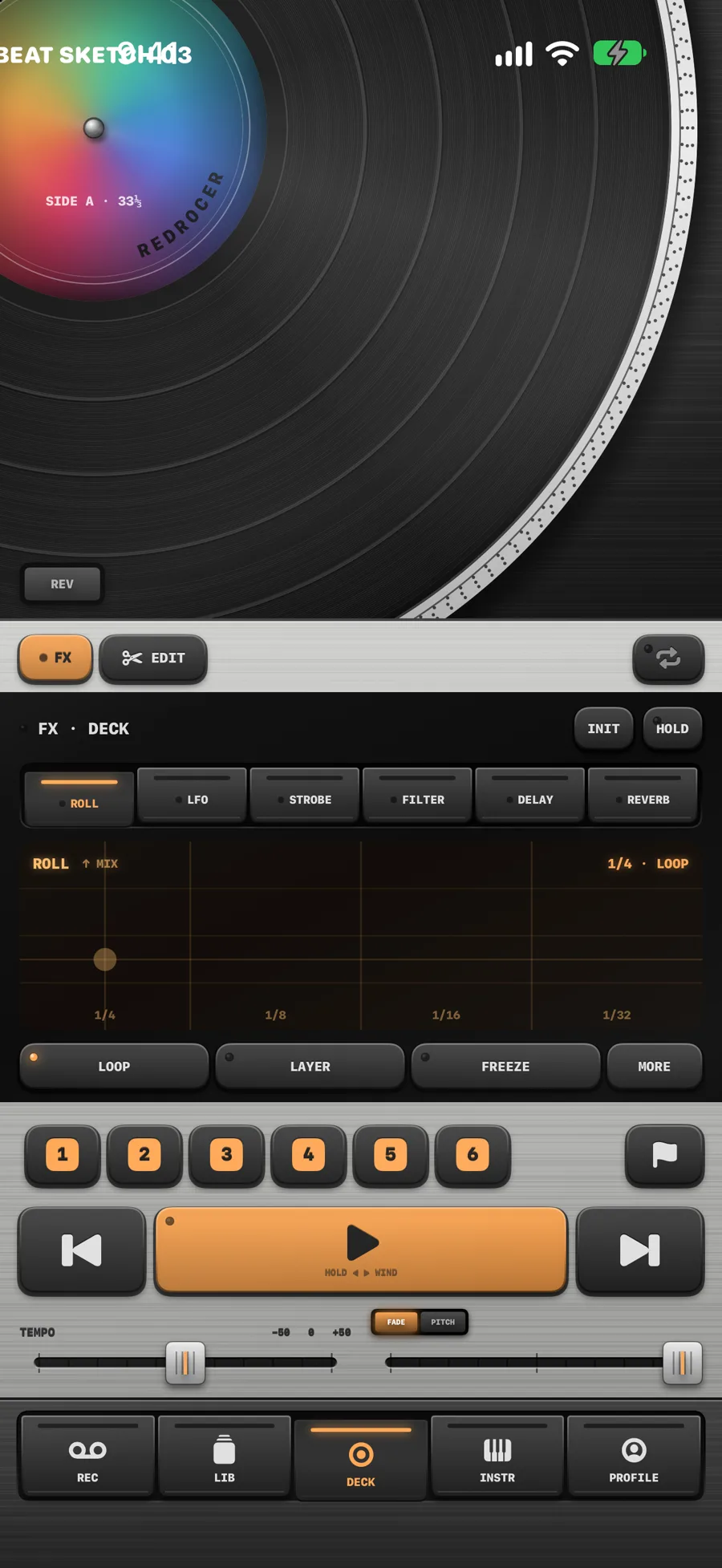
The record follows your finger exactly. Drag it slowly and feel the weight of the platter, flick it and it spins, let go and the motor pulls it back to speed. Tempo slows it like real vinyl, pitch and all.
04 · EDIT
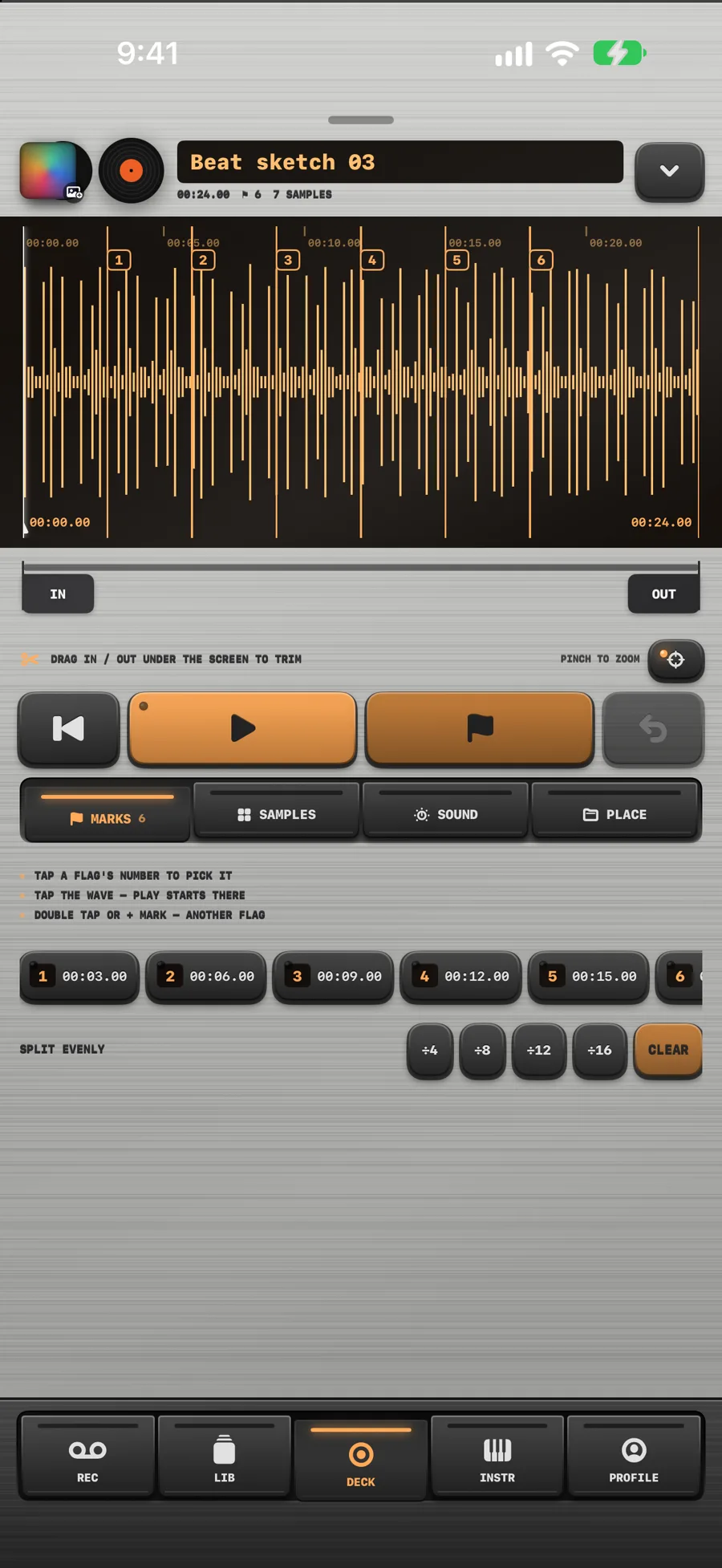
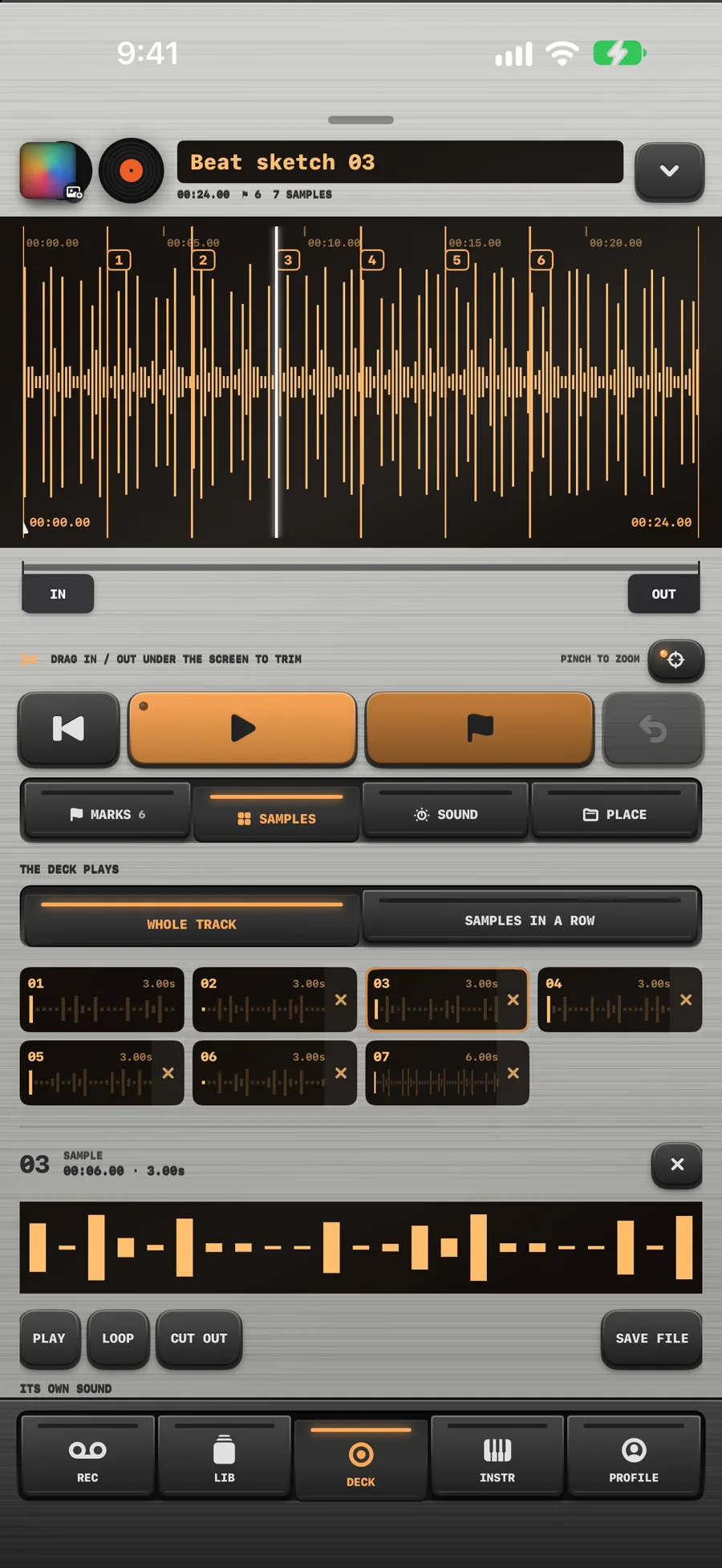
Tap a flag in while it plays, or split it evenly. Every piece between two flags is a sample: give it its own speed, tune and fades, play the samples in a row, save each one as a file.
05 · PADS
The samples fall onto twelve pads. Pads of one colour cut each other off, like open and closed hats. Record a pattern, double it, let a pad repeat in time.
Tempo and the fader sit on arcs around the record; the strobe dots on the rim stand still when you are exactly on speed.
Hold PLAY and slide it to wind back or forward. Your marks sit under the display as cue keys — tap one and the record plays from there. On a playlist, the Lock Screen and your headphones run it like any other player.
The editor takes the whole screen. Flags live on the wave; the trim lives under it, on two tabs — IN and OUT — so your finger never covers what you are cutting.
Tap the wave and that is where PLAY starts. Tap a sample and you hear it, with its own speed, tune, level and fades under it. When it is right, send them all to files or all to the pads.
The display turns into an XY pad. Touch it and the effect is on, let go and it is gone. Freeze a moment and loop it, bend it with an LFO, cut it with a strobe — on the deck, the pads and the voice, each on its own channel.
Twelve pads, four patterns, repeat in time, velocity from how hard you hit.
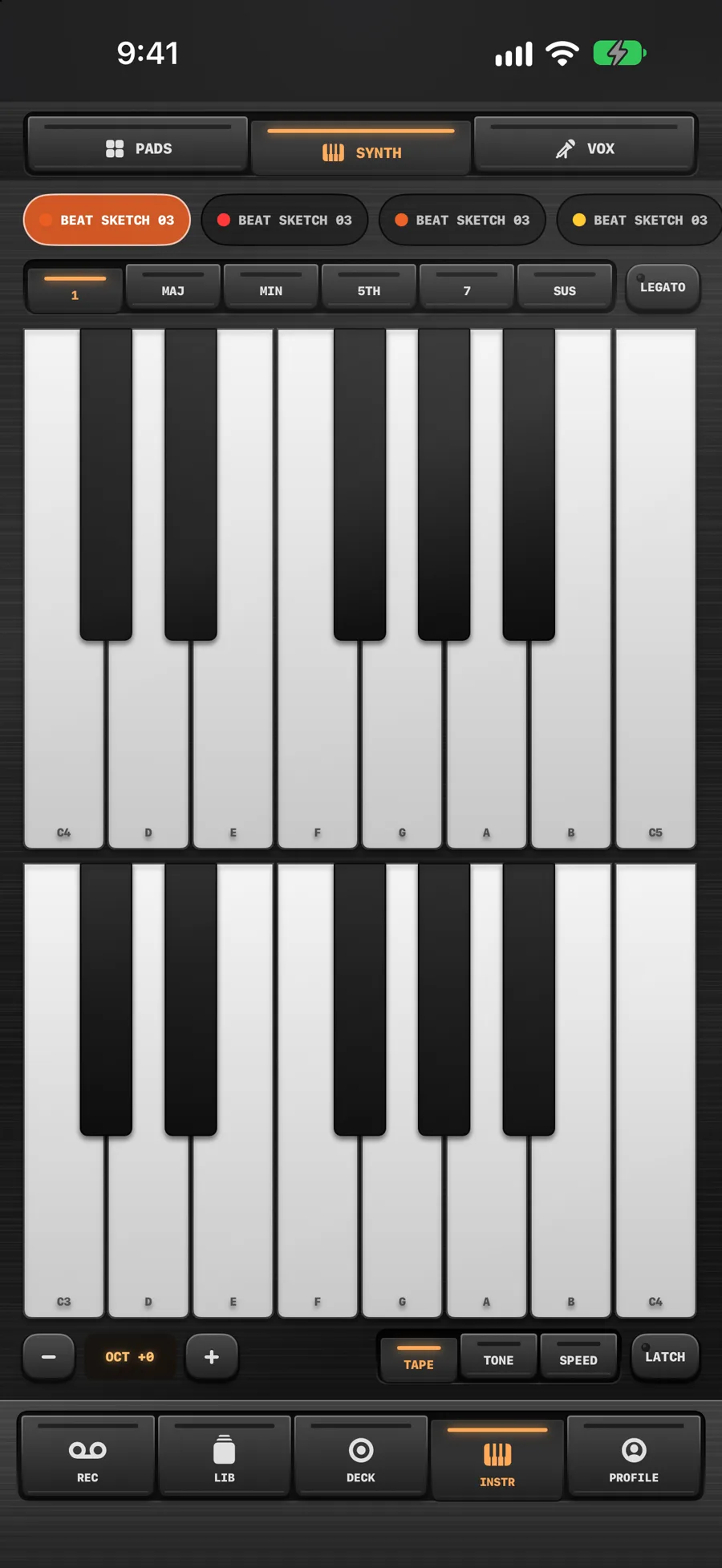
Any sample as a keyboard. Two octaves, chords, legato; tune by tape, by tone, or both. Slide between keys with one finger.
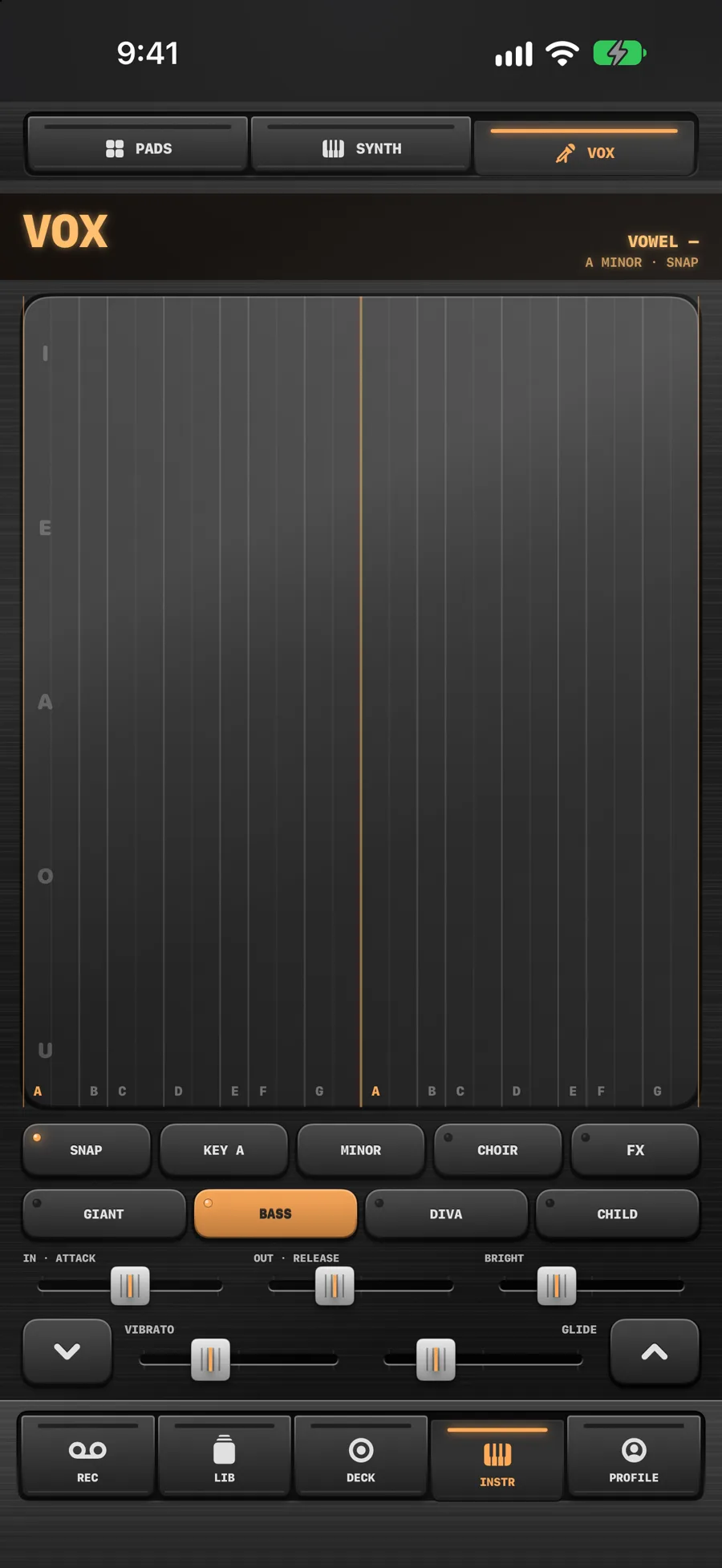
Sing with one finger: slide for the note, up and down for the vowel. Four voices — or your own, retuned live.
A body is the casing and its keys, designed as one. Then pick the colour it lights up in, the display and the vinyl. Four bodies come free.
Standard · Brushed aluminium, rubber keys in wells
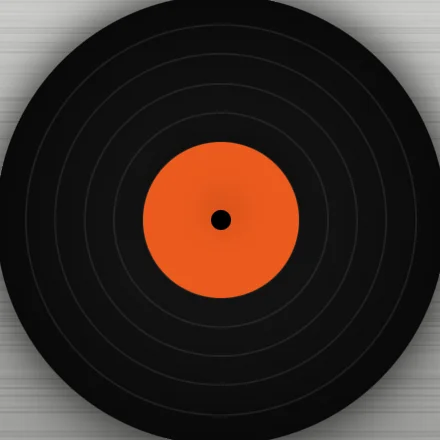
Classic Black · Free
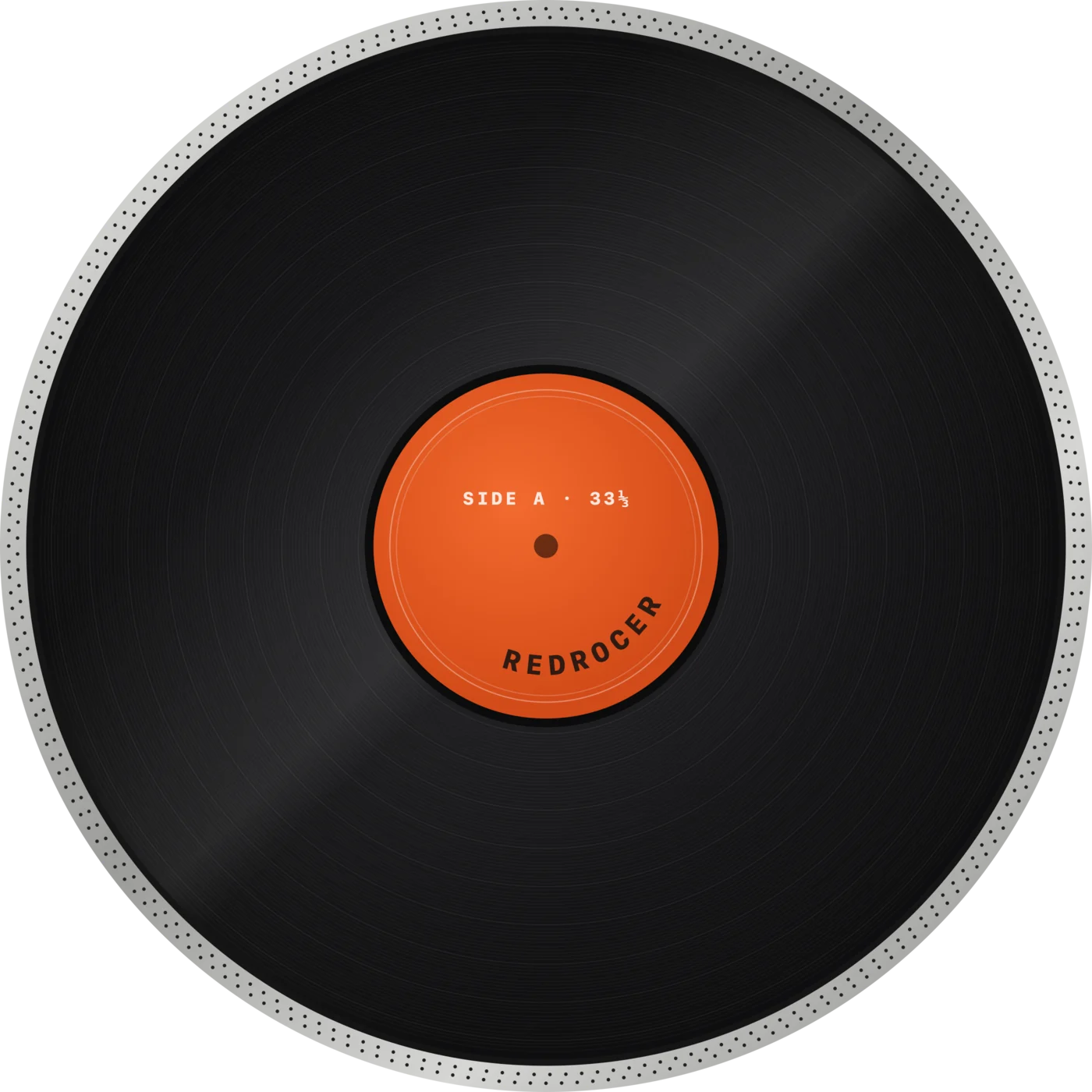
Every record can have its own pressing — clear, smoke, marbled, or a picture disc whose cubes tumble as it plays. Tap one: this is how it turns on the deck.
The whole crate is mirrored as plain files to your iCloud Drive and, if you choose one, your own Files folder — folders, records, playlists and covers. Reinstall the app, reconnect your folder and bring the crate back.
Bring in a FLAC, switch the vinyl noise off, and it plays exactly as it is. There is no REDROCER account, no ads and no analytics. Your recordings go only to storage or destinations you choose.
We post new builds and pieces from the bench as we go.